Every game developer remembers the first time their character fell through a solid platform at terminal velocity.
In game programming, physics bugs are uniquely demoralizing. Unlike syntax errors that throw a clear red banner with a line number in your terminal, physics bugs manifest as ghost behavior:
- Your runner slips completely through a wall because it was traveling too fast (Bullet Tunneling).
- Your character sticks to the vertical side of a platform when trying to jump and slide down (Sticky Wall Syndrome).
- Your character jitters uncontrollably when resting on the ground (Floating-Point Micro-Bouncing).
- The player teleports into deep space after you switch browser tabs for 10 seconds (Delta-Time Explosion).
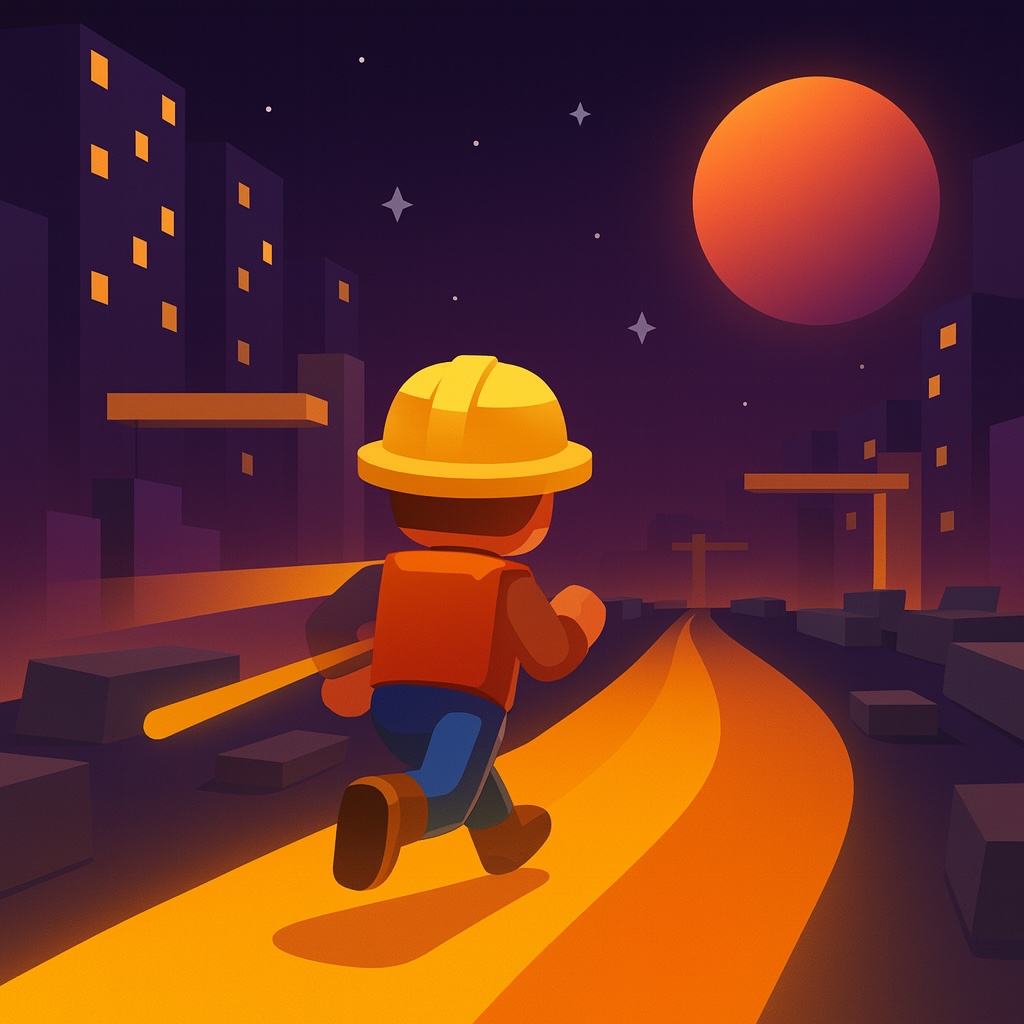
When we built Rift Runner Infinite—our fast-paced cyberpunk endless runner with inverted gravity and high-velocity obstacle gates—we faced every single one of these nightmares.
Here is our studio-tested playbook for diagnosing, isolating, and permanently eliminating physics bugs using AI pair programmers.
1. The Trap of "It Still Doesn't Work"
When a physics bug happens, typing:
❌ "My character is still clipping through the obstacles. Fix it."
...almost never produces a working fix. An LLM cannot see your screen. It doesn't know whether your velocities are measured in pixels per second or pixels per frame, or whether your bounding boxes are center-anchored or top-left anchored.
To solve physics bugs, you must provide spatial context, coordinates, and diagnostic numbers.
┌───────────────────────────────────────────────────────────────┐
│               THE AI PHYSICS DEBUG TRIANGLE                  │
│                                                               │
│       1. Geometry Anchor       2. Velocity Units             │
│       (Top-left vs Center)    (px/sec vs px/frame)           │
│                                                               │
│                      3. Step Timing                           │
│                (Fixed dt vs variable delta)                   │
└───────────────────────────────────────────────────────────────┘
2. Eliminating "Bullet Tunneling" (Continuous Collision Detection)
The Problem
When a player or projectile moves at 900 px/sec in a discrete 60 FPS loop, it travels 15 pixels in a single frame. If a wall or obstacle gate is only 10 pixels thick, the player can be at $X=5$ on Frame 1, and at $X=20$ on Frame 2.
At no point in time was the player's bounding box overlapping with the obstacle. The discrete collision check returns false, and the player passes straight through solid rock!
The Swept AABB Solution
Instead of checking static overlaps, prompt your AI to implement Continuous Collision Detection (Swept AABB) or Sub-stepping:
// Swept 1D/2D Ray Intersection to prevent tunneling
function checkSweptCollision(player, obstacle, dt) {
  const nextX = player.x + player.vx * dt;
  const nextY = player.y + player.vy * dt;

  // Broadphase bounding box enclosing entire movement path
  const minX = Math.min(player.x, nextX);
  const maxX = Math.max(player.x, nextX) + player.width;
  const minY = Math.min(player.y, nextY);
  const maxY = Math.max(player.y, nextY) + player.height;

  // If broadphase misses obstacle completely, skip expensive math
  if (maxX < obstacle.x || minX > obstacle.x + obstacle.width ||
      maxY < obstacle.y || minY > obstacle.y + obstacle.height) {
    return null;
  }

  // Sub-step movement into 4 slices of time
  const steps = 4;
  for (let s = 1; s <= steps; s++) {
    const fraction = s / steps;
    const testX = player.x + player.vx * dt * fraction;
    const testY = player.y + player.vy * dt * fraction;

    if (testX < obstacle.x + obstacle.width &&
        testX + player.width > obstacle.x &&
        testY < obstacle.y + obstacle.height &&
        testY + player.height > obstacle.y) {
      return { hit: true, fraction: (s - 1) / steps };
    }
  }
  return null;
}
3. Eliminating "Sticky Wall Syndrome"
The Problem
When a player jumps into a wall while holding Right, they frequently stick in mid-air against the vertical face, suspended as if the wall was made of industrial glue.
This happens because naïve collision code checks $X$ and $Y$ simultaneously:
// ❌ NAIVE: Overlap in X kills vertical movement!
if (isColliding(player, wall)) {
  player.vx = 0;
  player.vy = 0; // Cancels gravity!
}
The Two-Pass Resolution Formula
Always direct your AI to separate physics into Two Decoupled Passes:
Prompt Template:
"Our player sticks to vertical walls when pressing sideways mid-air.
Refactor our physics into two distinct, decoupled passes:

Pass 1 (Horizontal):
- Apply player.x += player.vx * dt.
- Resolve horizontal overlaps against solid tiles.
- If colliding horizontally, snap player.x to wall boundary and set player.vx = 0.
- Do NOT touch player.vy or gravity here!

Pass 2 (Vertical):
- Apply gravity: player.vy += gravity * dt.
- Apply player.y += player.vy * dt.
- Resolve vertical overlaps against floors/ceilings.
- If grounded, snap player.y and set player.vy = 0. Reset canJump flag."
4. The Delta-Time ($dt$) Tab-Switch Explosion
Have you ever switched browser tabs for 30 seconds, returned to your game, and found the character had warped through the universe at infinite speed?
This occurs because performance.now() keeps advancing while requestAnimationFrame pauses in background tabs. When you return, dt evaluates to 30.0 seconds!
// The 1-Line Fix: ALWAYS CLAMP DELTA-TIME
const dt = Math.min((now - lastTime) / 1000, 0.1); // Max 100ms per frame
lastTime = now;
Never build an HTML5 game without this clamp. It prevents 90% of erratic teleportation bugs.
5. Build an On-Screen Debug Visualizer
The most transformative habit when vibe coding games is asking your AI to draw an on-screen Debug Overlay:
function renderDebugHUD(ctx, player, obstacles) {
  // 1. Draw Hitbox in Bright Red
  ctx.strokeStyle = 'rgba(239, 68, 68, 0.9)';
  ctx.lineWidth = 2;
  ctx.strokeRect(player.x, player.y, player.width, player.height);

  // 2. Draw Velocity Vector
  ctx.strokeStyle = 'rgba(34, 197, 94, 0.9)';
  ctx.beginPath();
  const cx = player.x + player.width / 2;
  const cy = player.y + player.height / 2;
  ctx.moveTo(cx, cy);
  ctx.lineTo(cx + player.vx * 0.1, cy + player.vy * 0.1);
  ctx.stroke();

  // 3. Telemetry Overlay
  ctx.fillStyle = 'rgba(15, 23, 42, 0.8)';
  ctx.fillRect(10, 10, 200, 70);
  ctx.fillStyle = '#38bdf8';
  ctx.font = '12px monospace';
  ctx.fillText(`X: ${player.x.toFixed(1)} | Y: ${player.y.toFixed(1)}`, 20, 30);
  ctx.fillText(`VX: ${player.vx.toFixed(1)} | VY: ${player.vy.toFixed(1)}`, 20, 48);
  ctx.fillText(`Grounded: ${player.isGrounded}`, 20, 66);
}
The moment you see the red outlines and green velocity vectors on screen, you will instantly know whether your art asset has invisible transparent padding or whether your mathematical collision formula is misaligned.
Conclusion: See Clean Physics in Action
A game with buttery, predictable collision physics builds immediate trust with the player.
Test the high-speed gravity switching and platform collision in Rift Runner Infinite, or compare it with the relaxing water physics in Lily Wishing Pond.