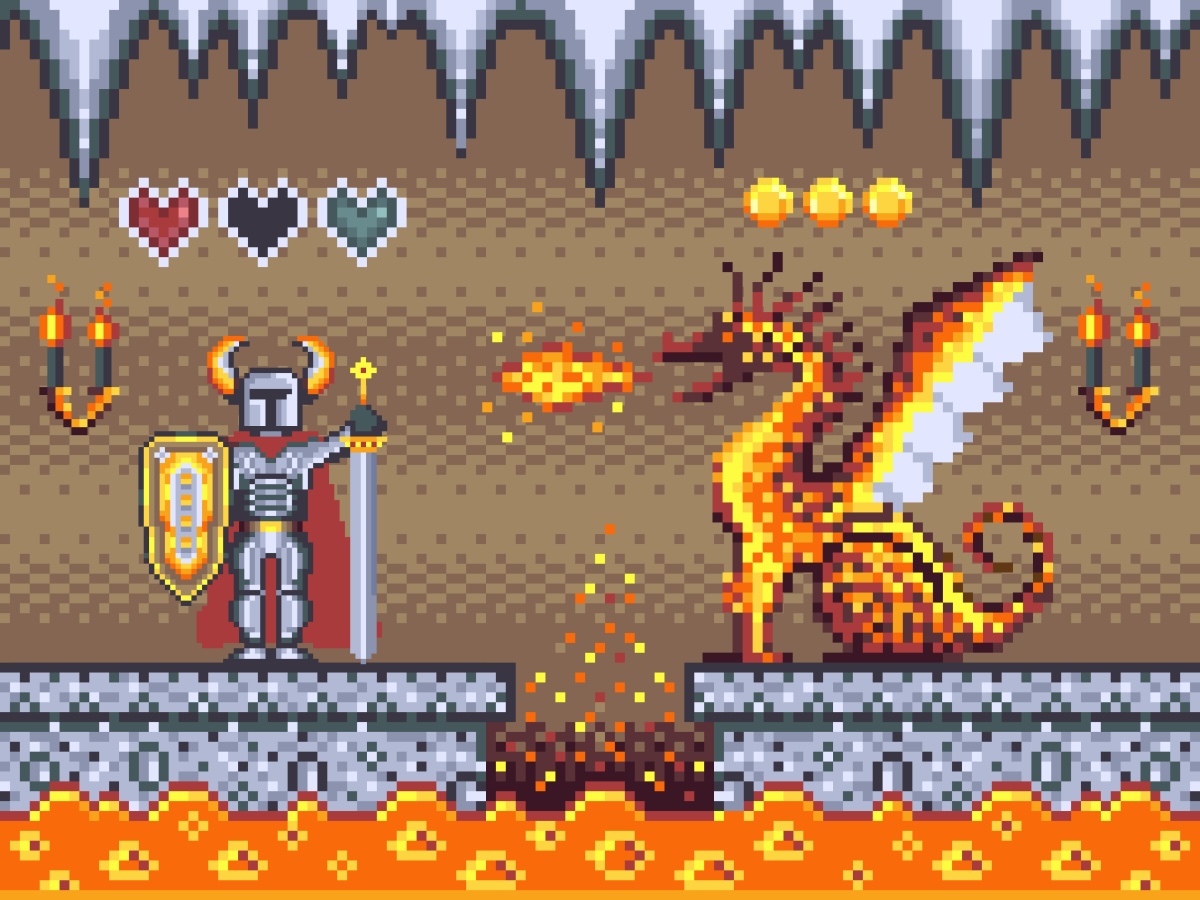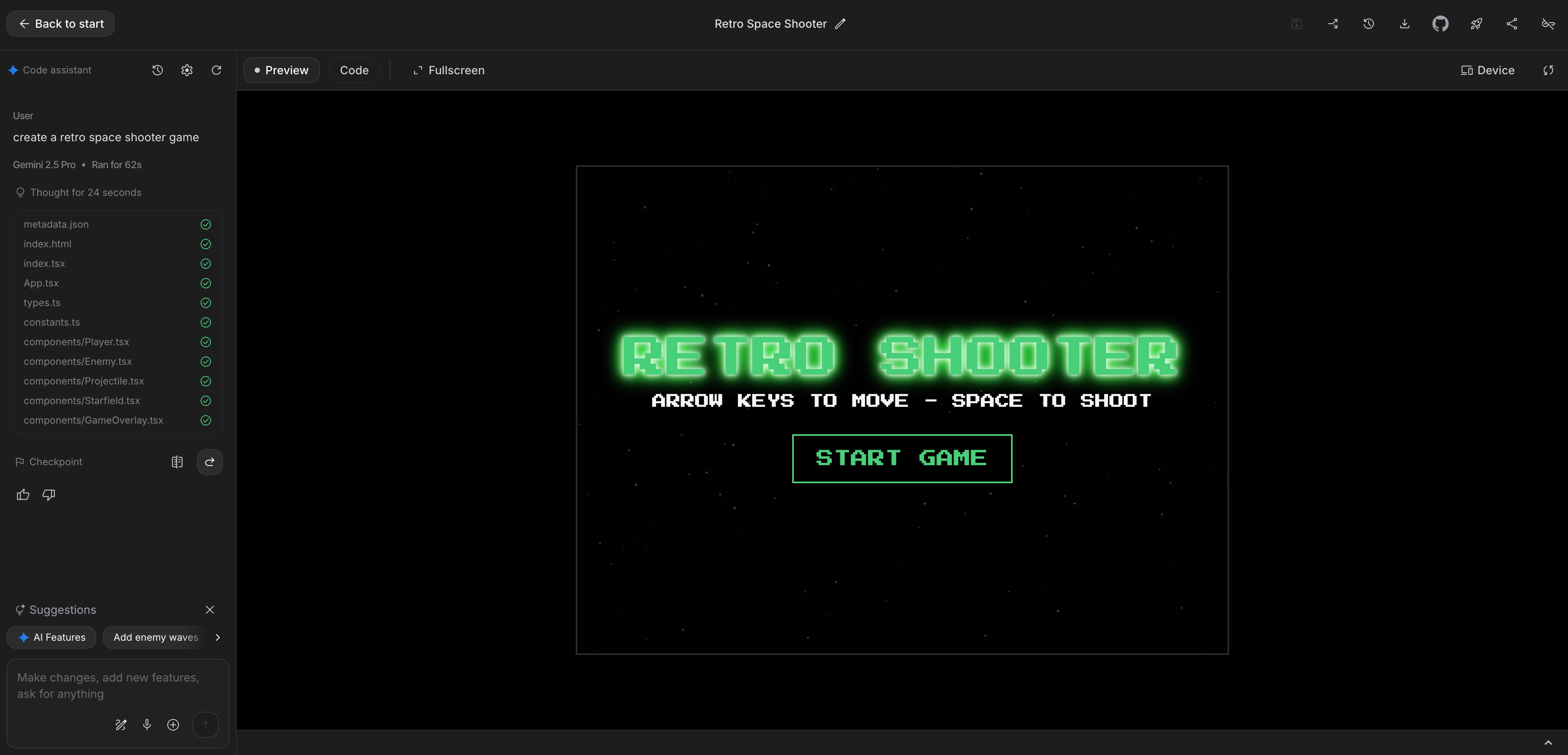
Audio represents at least 50% of game feel.
You can have the most breathtaking pixel art and fluid animations in the world, but if clicking a button results in dead silence, or jumping produces no satisfying thud, your game feels empty, robotic, and cheap.
Yet for indie and casual game developers, sound design is notoriously painful. Royalty-free sound libraries are plagued by watermarked low-bitrate MP3s, wildly mismatched loudness levels, and messy licensing restrictions. Worse, downloading thirty 2MB audio files over a mobile cellular connection destroys load times.
The modern solution? Procedural Web Audio synthesis directed by AI.
Here is how you can generate complete retro sound libraries in pure JavaScript with zero external file dependencies and 0 KB download overhead.
1. Why Web Audio API Beats MP3 Files for Web Games
When building responsive browser games, the native AudioContext API is vastly superior to loading <audio src="jump.mp3"> tags:
- 0 KB Asset Overhead: The audio is synthesized mathematically in real-time by the browser CPU. No network requests, zero CDN bandwidth costs.
- True Zero Latency: Sounds trigger with microsecond precision the instant a key or touch event fires. No mobile buffering or iOS playback pauses.
- Dynamic Micro-Variations: You can randomize the oscillator frequency by $\pm 4%$ on every trigger, ensuring that 50 consecutive jumps never sound repetitive or fatigue the player's ears.
- Interactive Filters: You can dynamically tie low-pass filters to in-game depth (e.g. muffling audio when swimming underwater or entering a menu).
2. The Complete Web Audio Retro Sound Library
Here is a production-ready Web Audio synthesis suite. Copy these functions into an audio.js file:
class SoundEngine {
  constructor() {
    this.ctx = null;
    this.muted = false;
  }

  // Initialize on first user touch/click to comply with Autoplay policy
  init() {
    if (!this.ctx) {
      const AudioCtx = window.AudioContext || window.webkitAudioContext;
      this.ctx = new AudioCtx();
    }
    if (this.ctx.state === 'suspended') {
      this.ctx.resume();
    }
  }

  // 1. Retro Jump Sound (Quick Pitch Bend Upwards)
  playJump() {
    if (this.muted || !this.ctx) return;
    const osc = this.ctx.createOscillator();
    const gain = this.ctx.createGain();

    osc.type = 'square';
    osc.frequency.setValueAtTime(150, this.ctx.currentTime);
    osc.frequency.exponentialRampToValueAtTime(600, this.ctx.currentTime + 0.12);

    gain.gain.setValueAtTime(0.2, this.ctx.currentTime);
    gain.gain.linearRampToValueAtTime(0.01, this.ctx.currentTime + 0.12);

    osc.connect(gain);
    gain.connect(this.ctx.destination);
    osc.start();
    osc.stop(this.ctx.currentTime + 0.12);
  }

  // 2. Golden Coin / Gem Collect (Two-Tone Harmony)
  playCoin() {
    if (this.muted || !this.ctx) return;
    const osc = this.ctx.createOscillator();
    const gain = this.ctx.createGain();

    osc.type = 'sine';
    const now = this.ctx.currentTime;
    osc.frequency.setValueAtTime(987.77, now); // Note B5
    osc.frequency.setValueAtTime(1318.51, now + 0.08); // Note E6

    gain.gain.setValueAtTime(0.25, now);
    gain.gain.exponentialRampToValueAtTime(0.001, now + 0.35);

    osc.connect(gain);
    gain.connect(this.ctx.destination);
    osc.start();
    osc.stop(now + 0.35);
  }

  // 3. Sci-Fi Laser Zap (Rapid Downward Sweep)
  playLaser() {
    if (this.muted || !this.ctx) return;
    const osc = this.ctx.createOscillator();
    const gain = this.ctx.createGain();

    osc.type = 'sawtooth';
    const now = this.ctx.currentTime;
    osc.frequency.setValueAtTime(950, now);
    osc.frequency.exponentialRampToValueAtTime(120, now + 0.15);

    gain.gain.setValueAtTime(0.2, now);
    gain.gain.linearRampToValueAtTime(0.01, now + 0.15);

    osc.connect(gain);
    gain.connect(this.ctx.destination);
    osc.start();
    osc.stop(now + 0.15);
  }

  // 4. Heavy Impact Explosion (Filtered Noise Buffer)
  playExplosion() {
    if (this.muted || !this.ctx) return;
    const duration = 0.35;
    const bufferSize = this.ctx.sampleRate * duration;
    const buffer = this.ctx.createBuffer(1, bufferSize, this.ctx.sampleRate);
    const data = buffer.getChannelData(0);

    // Generate white noise buffer
    for (let i = 0; i < bufferSize; i++) {
      data[i] = Math.random() * 2 - 1;
    }

    const noise = this.ctx.createBufferSource();
    noise.buffer = buffer;

    // Filter down to heavy rumble
    const filter = this.ctx.createBiquadFilter();
    filter.type = 'lowpass';
    const now = this.ctx.currentTime;
    filter.frequency.setValueAtTime(700, now);
    filter.frequency.exponentialRampToValueAtTime(40, now + duration);

    const gain = this.ctx.createGain();
    gain.gain.setValueAtTime(0.45, now);
    gain.gain.linearRampToValueAtTime(0.01, now + duration);

    noise.connect(filter);
    filter.connect(gain);
    gain.connect(this.ctx.destination);
    noise.start();
  }

  // 5. Power-Up Fanfare (Ascending Triad Arpeggio)
  playPowerup() {
    if (this.muted || !this.ctx) return;
    const notes = [261.63, 329.63, 392.00, 523.25]; // C4, E4, G4, C5
    const now = this.ctx.currentTime;

    notes.forEach((freq, idx) => {
      const osc = this.ctx.createOscillator();
      const gain = this.ctx.createGain();
      osc.type = 'triangle';
      osc.frequency.value = freq;

      const startTime = now + idx * 0.08;
      gain.gain.setValueAtTime(0.2, startTime);
      gain.gain.exponentialRampToValueAtTime(0.001, startTime + 0.2);

      osc.connect(gain);
      gain.connect(this.ctx.destination);
      osc.start(startTime);
      osc.stop(startTime + 0.2);
    });
  }
}
3. Creating Ambient Lo-Fi Background Soundscapes
For relaxing casual games like Tiny Ocean Tank and Lily Wishing Pond, loud repetitive chiptune loops shatter the calm meditation.
Instead, ask your AI to build an infinite Brownian noise ambient generator that sounds like gentle ocean surf or wind:
// Ambient Ocean Surf Generator
function createAmbientOceanWaves(ctx) {
  const bufferSize = ctx.sampleRate * 2;
  const buffer = ctx.createBuffer(1, bufferSize, ctx.sampleRate);
  const data = buffer.getChannelData(0);

  // Brownian noise (integrated white noise)
  let lastOut = 0.0;
  for (let i = 0; i < bufferSize; i++) {
    const white = Math.random() * 2 - 1;
    data[i] = (lastOut + (0.02 * white)) / 1.02;
    lastOut = data[i];
    data[i] *= 3.5; // Gain boost
  }

  const noise = ctx.createBufferSource();
  noise.buffer = buffer;
  noise.loop = true;

  // LFO (Low Frequency Oscillator) to simulate rolling waves
  const filter = ctx.createBiquadFilter();
  filter.type = 'lowpass';
  filter.frequency.value = 350;

  const gain = ctx.createGain();
  gain.gain.value = 0.08; // Gentle background level

  noise.connect(filter);
  filter.connect(gain);
  gain.connect(ctx.destination);
  noise.start();
  return { noise, filter, gain };
}
4. The Browser Autoplay Policy Checklist
Browsers strictly forbid Web Audio from playing until the user has performed a direct interaction (a click, tap, or keypress).
If you attempt to call audioCtx.createOscillator() inside window.onload, Chrome will log:
The AudioContext was not allowed to start. It must be resumed (or created) after a user gesture on the page.
The 100% Reliable Fix:
Attach a one-time event listener to your canvas or window:
function unlockAudio() {
  soundEngine.init();
  window.removeEventListener('pointerdown', unlockAudio);
  window.removeEventListener('keydown', unlockAudio);
}

window.addEventListener('pointerdown', unlockAudio);
window.addEventListener('keydown', unlockAudio);
Conclusion: Hear the Difference
Adding crisp, zero-latency procedural sound transforms any web game from a tech demo into an arcade experience that players want to replay.
Listen to procedural sound design in action on ToozyMio:
- Play Cosmic Chaos for explosive laser sweeps and asteroid impacts.
- Relax with Lily Wishing Pond and Tiny Ocean Tank for soothing aquatic audioscapes.