In traditional game development, prototyping is notoriously sluggish. By the time you download asset packs, configure input managers, set up sprite atlases, and wire collision matrices in a heavyweight engine, three days have vanished—and you still haven't answered the only question that truly matters: Is the core mechanic actually fun?
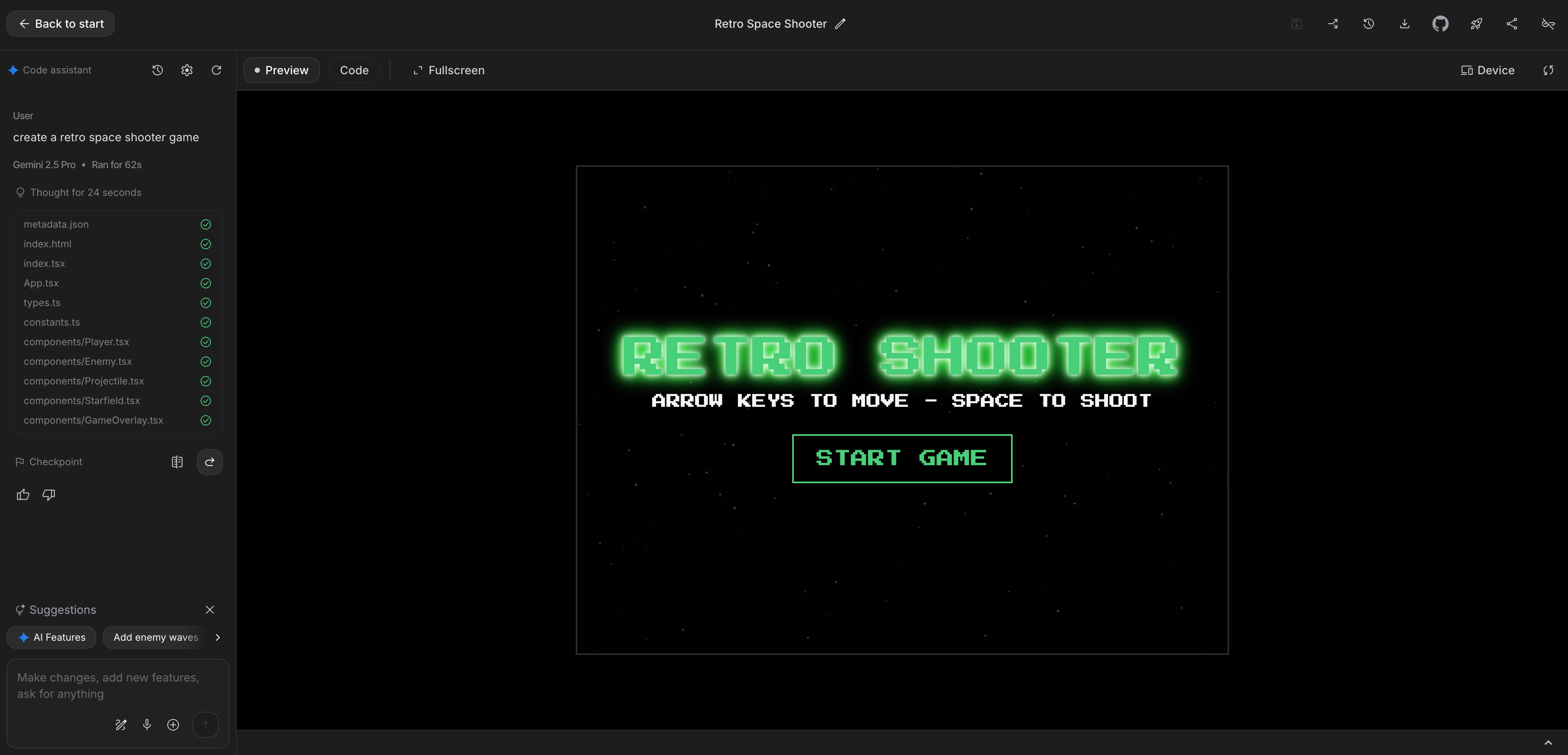
With prompt-driven AI development, you can generate a playable, self-contained HTML5 prototype in under 60 seconds.
Here is the exact architectural blueprint to prompt clean, resilient game loops that don't crash, stutter, or choke on mobile devices.
1. The 4 Essential Organs of an HTML5 Game
Every high-performance single-file browser prototype consists of four essential decoupled systems:
flowchart TD
    A["1. State Machine (Menu, Playing, GameOver)"] --> B["2. Input System (Pointer & Keyboard)"]
    B --> C["3. Update Loop (Delta-Time Physics, Collisions, Score)"]
    C --> D["4. Render Pipeline (Clear, Camera Transform, Draw, UI)"]
When you understand this separation, you can direct AI tools to modify or polish any single piece without breaking the rest of your game logic.
2. Complete Copy-Paste 60-Second Starter Template
Here is a battle-tested, zero-dependency, single-file HTML5 Canvas starter loop. Save this as index.html and open it directly in your browser:
<!DOCTYPE html>
<html lang="en">
<head>
  <meta charset="UTF-8">
  <meta name="viewport" content="width=device-width, initial-scale=1.0, user-scalable=no">
  <title>60-Second Canvas Prototype</title>
  <style>
    * { margin: 0; padding: 0; box-sizing: border-box; }
    html, body { width: 100%; height: 100%; overflow: hidden; background: #0f172a; touch-action: none; }
    canvas { display: block; width: 100vw; height: 100vh; }
  </style>
</head>
<body>
  <canvas id="c"></canvas>
  <script>
    const canvas = document.getElementById('c');
    const ctx = canvas.getContext('2d');

    // High-DPI Retina Display Scaling
    let dpr = window.devicePixelRatio || 1;
    let width = 0, height = 0;

    function resize() {
      dpr = window.devicePixelRatio || 1;
      width = window.innerWidth;
      height = window.innerHeight;
      canvas.width = width * dpr;
      canvas.height = height * dpr;
      ctx.resetTransform();
      ctx.scale(dpr, dpr);
    }
    window.addEventListener('resize', resize);
    resize();

    // Game State
    const STATE = { MENU: 0, PLAYING: 1, GAMEOVER: 2 };
    let gameState = STATE.MENU;
    let score = 0;
    let highScore = parseInt(localStorage.getItem('proto_high') || '0', 10);

    // Player Object
    const player = {
      x: width / 2,
      y: height - 100,
      targetX: width / 2,
      r: 22,
      color: '#06b6d4'
    };

    // Obstacles
    let obstacles = [];
    let spawnTimer = 0;

    // Pointer Input
    window.addEventListener('pointermove', (e) => {
      player.targetX = e.clientX;
    });
    window.addEventListener('pointerdown', (e) => {
      player.targetX = e.clientX;
      if (gameState === STATE.MENU || gameState === STATE.GAMEOVER) {
        resetGame();
      }
    });

    function resetGame() {
      gameState = STATE.PLAYING;
      score = 0;
      obstacles = [];
      spawnTimer = 0;
      player.x = width / 2;
      player.targetX = width / 2;
    }

    // Main Game Loop with Delta-Time (dt)
    let lastTime = performance.now();

    function loop(now) {
      requestAnimationFrame(loop);
      // Clamp delta time to 0.1s to prevent explosions on background tab switch
      const dt = Math.min((now - lastTime) / 1000, 0.1);
      lastTime = now;

      // Update
      if (gameState === STATE.PLAYING) {
        // Smooth lerp movement
        player.x += (player.targetX - player.x) * 0.2;
        player.x = Math.max(player.r, Math.min(width - player.r, player.x));

        // Spawn obstacles
        spawnTimer += dt;
        if (spawnTimer > 0.45) {
          spawnTimer = 0;
          obstacles.push({
            x: Math.random() * (width - 40) + 20,
            y: -30,
            r: Math.random() * 12 + 10,
            speed: Math.random() * 180 + 220
          });
        }

        // Update obstacles & check collisions
        for (let i = obstacles.length - 1; i >= 0; i--) {
          const obs = obstacles[i];
          obs.y += obs.speed * dt;

          // Distance check
          const dist = Math.hypot(player.x - obs.x, player.y - obs.y);
          if (dist < player.r + obs.r) {
            gameState = STATE.GAMEOVER;
            if (score > highScore) {
              highScore = score;
              localStorage.setItem('proto_high', highScore);
            }
          }

          if (obs.y > height + 50) {
            obstacles.splice(i, 1);
            score += 10;
          }
        }
      }

      // Render
      ctx.fillStyle = '#0f172a';
      ctx.fillRect(0, 0, width, height);

      if (gameState === STATE.PLAYING) {
        // Draw Player
        ctx.fillStyle = player.color;
        ctx.shadowColor = '#06b6d4';
        ctx.shadowBlur = 15;
        ctx.beginPath();
        ctx.arc(player.x, player.y, player.r, 0, Math.PI * 2);
        ctx.fill();

        // Draw Obstacles
        ctx.fillStyle = '#f43f5e';
        ctx.shadowColor = '#f43f5e';
        ctx.shadowBlur = 10;
        for (const obs of obstacles) {
          ctx.beginPath();
          ctx.arc(obs.x, obs.y, obs.r, 0, Math.PI * 2);
          ctx.fill();
        }
        ctx.shadowBlur = 0;

        // Draw Score HUD
        ctx.fillStyle = '#f8fafc';
        ctx.font = 'bold 24px -apple-system, sans-serif';
        ctx.fillText(`Score: ${score}`, 24, 48);
      } else if (gameState === STATE.MENU) {
        ctx.fillStyle = '#f8fafc';
        ctx.font = 'bold 36px -apple-system, sans-serif';
        ctx.textAlign = 'center';
        ctx.fillText('Neon Dodge', width / 2, height / 2 - 20);
        ctx.font = '18px -apple-system, sans-serif';
        ctx.fillStyle = '#94a3b8';
        ctx.fillText('Tap or Click Anywhere to Start', width / 2, height / 2 + 25);
        ctx.textAlign = 'left';
      } else if (gameState === STATE.GAMEOVER) {
        ctx.fillStyle = '#f43f5e';
        ctx.font = 'bold 36px -apple-system, sans-serif';
        ctx.textAlign = 'center';
        ctx.fillText('Game Over', width / 2, height / 2 - 40);
        ctx.fillStyle = '#f8fafc';
        ctx.font = '22px -apple-system, sans-serif';
        ctx.fillText(`Final Score: ${score} (Best: ${highScore})`, width / 2, height / 2 + 10);
        ctx.font = '18px -apple-system, sans-serif';
        ctx.fillStyle = '#94a3b8';
        ctx.fillText('Tap to Play Again', width / 2, height / 2 + 55);
        ctx.textAlign = 'left';
      }
    }

    requestAnimationFrame(loop);
  </script>
</body>
</html>
3. The Master 60-Second Prompt Formula
When pitching a fresh concept to your AI assistant, use this structured prompt:
Role: Senior HTML5 game developer.
Create a complete single-file index.html Canvas game matching this spec:

1. CORE LOOP: [e.g., A player-controlled bouncy paddle at bottom reflecting falling water droplets into floating flower pots].
2. CONTROLS: Pointer events ('pointermove', 'pointerdown') with touch-action: none.
3. SCALING: Retina window.devicePixelRatio scaling on window resize.
4. TIMING: requestAnimationFrame loop with clamped delta-time dt = Math.min((now - last) / 1000, 0.1).
5. STATE: Explicit STATE enum: { MENU: 0, PLAYING: 1, GAMEOVER: 2 }.
6. POLISH: Smooth lerp easing on paddle movement, vibrant neon color palette, score HUD.
4. The 15-Minute Sprint Polish Protocol
Once your initial 60-second prototype is running, follow this 15-minute stopwatch sprint:
| Time | Goal | Action | | :--- | :--- | :--- | | 0:00 - 3:00 | Verify Core Fun | Play the base loop for 60 seconds. Does the dodging/catching feel naturally satisfying? | | 3:00 - 6:00 | Juicy Game Feel | Ask AI to add squash-and-stretch on collision and trauma screen shake. | | 6:00 - 10:00 | Tension Curve | Accelerate obstacle spawn rates by 5% every 10 seconds. | | 10:00 - 15:00 | Web Audio SFX | Inject two procedural Web Audio blips (one for scoring, one for impact). |
5. From Prototype to Production on ToozyMio
Once you validate that a game mechanic holds your attention for 3 consecutive minutes, porting it to ToozyMio's portal is trivial:
# Scaffold the isolated game app in 5 seconds
npm run new-game neon-dodge "Neon Dodge" "Fast-paced arcade reflex dodger" "Arcade"
Our template handles full iframe encapsulation, responsive canvas layout, and the ToozyBridge save-state handshake automatically.
Experience cozy, responsive games built on these principles: check out Tiny Ocean Tank or test our relaxing Lily Wishing Pond.